

Impressed by this project? Give it your People’s Choice vote.
0
votes
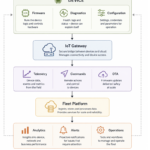
The Smart AI-Enabled Shipment Logistics Monitoring Solution is designed to monitor shipment handling conditions during transportation and detect abnormal events that may damage the package. The system uses an accelerometer sensor to measure package movement and orientation, while an on-device Machine Learning model developed using Edge Impulse processes the collected data to classify shipment conditions at every 3.2-second interval. The detected status is transmitted to a custom mobile application via Bluetooth Low Energy (BLE), notifying users of four events: Normal Orientation, Wrong Orientation, Fall Event, and Harsh Impact. This enables real-time awareness of shipment handling conditions and supports timely action when abnormal events are detected. The proposed solution offers an intelligent, low-power, and efficient approach to improving shipment safety and logistics monitoring.
Team Members
| S. No. | Name | Role / Contribution |
| 1. | Hariharan Veerappan | Solution Architect |
| 2. | Vignesh R | Lead Engineer |
| 3. | Kaviyarasan K | Senior Engineer |
| 4. | Maheshkumar M | Software Engineer |
Component List
| Component | Designator | Quantity |
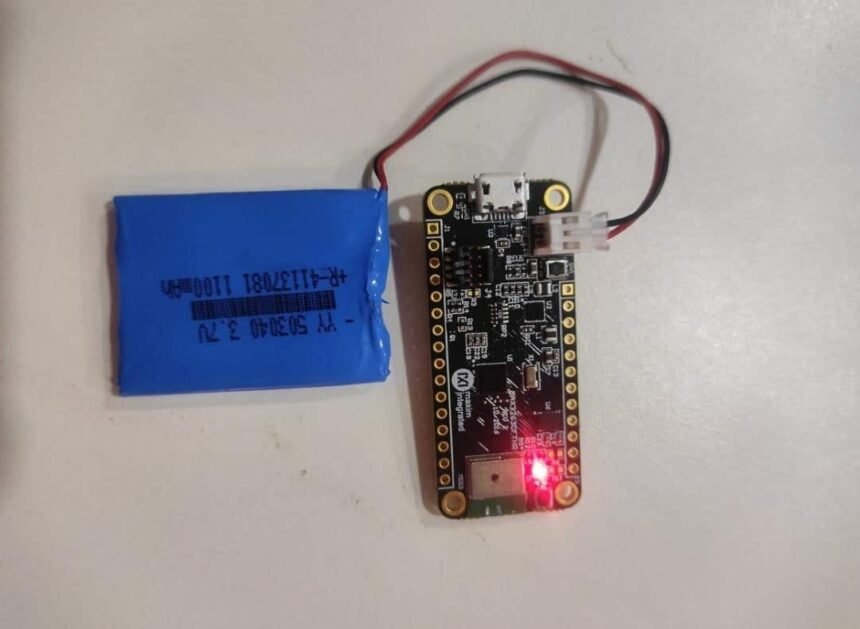
| MAX32630FTHR | Module | 1 |
| MAX32625PICO | Debugger | 1 |
| Poly Li-ION Battery | Battery | 1 |
Project Explanation
The Smart AI-Enabled Shipment Logistics Monitoring Solution is designed to continuously monitor the condition of shipments during transportation and identify abnormal situations that may cause damage to the package.
The system uses an accelerometer sensor attached to the shipment package to continuously monitor its movement and orientation. The sensor captures acceleration information, allowing the system to understand how the package is moving during transportation.
The collected accelerometer data is processed using an on-device Machine Learning model trained with Edge Impulse.
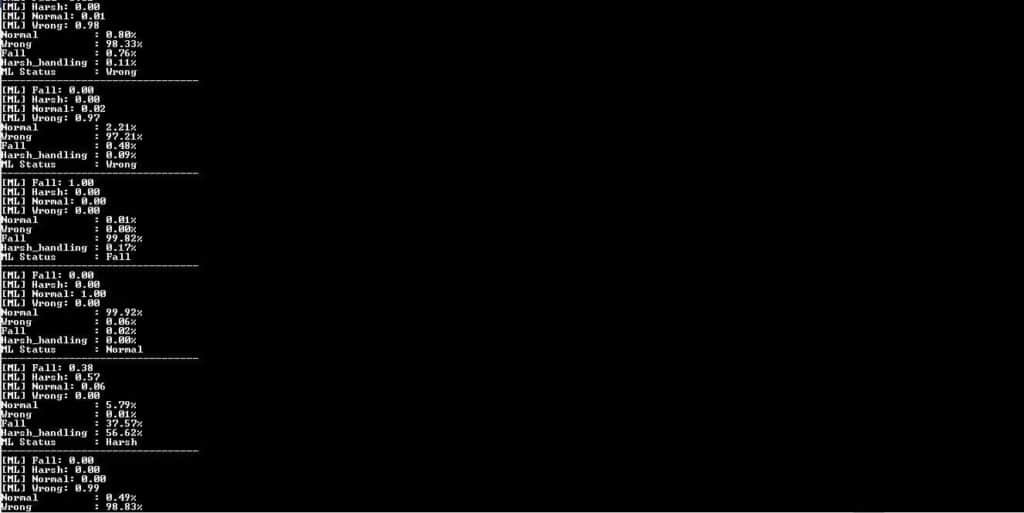
For every 3.2-second interval, shipment handling status will be processed and it will be notified over the custom mobile application via BLE. The following events will be notified: Normal Orientation, Wrong Orientation, Fall event and Harsh Impact.
This allows the user to quickly understand the current shipment condition and take appropriate action when an abnormal status is detected.
Coding Explanation and Configuration
First and foremost, we need to install the necessary tools required to develop and build the Mbed OS project. The main requirements are Python, Mbed OS, Mbed Tools, and an IDE (Integrated Development Environment).
IDE:
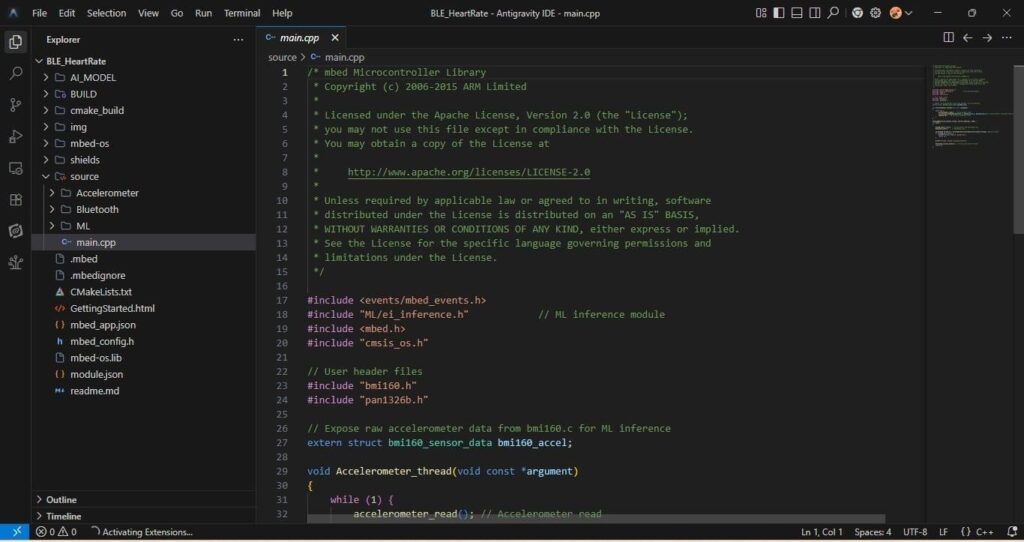
The project software is divided into four main modules: Application Module, Accelerometer Module (BMi160), ML Inference Module, and Bluetooth Module(PAN1326B)
Application Module:
This module controls the overall application flow. It initializes the accelerometer and Bluetooth communication and creates a separate RTOS thread for continuously reading sensor data. The sensor reading process runs at 50 Hz, with a 20 ms interval between each reading. The collected accelerometer data is then provided to the ML Inference Module for processing, while the application continues to handle the overall system operation.
Accelerometer Module (BMI160):
This module handles communication with the BMi160 accelerometer using the I2C interface at 400 kHz. During initialization, it verifies the sensor chip ID, performs a soft reset, and configures the accelerometer with a 50 Hz sampling rate and ±16g range. It reads the acceleration values along the X, Y, and Z axes and provides the sensor data for further processing.
ML Inference Module:
This module handles the Edge Impulse Machine Learning inference. It receives the raw accelerometer X, Y, and Z values and collects the required data for an ML prediction. The system collects 160 XYZ samples over a 3.2-second period, resulting in 480 acceleration values. Once the required data is collected, the Edge Impulse model performs classification and determines the shipment condition as Normal, Wrong, Fall, or Harsh.
Bluetooth Module (PAN1326B):
This module manages the Bluetooth communication between the embedded device and the custom mobile application. It transmits the accelerometer data and ML results to the mobile application. The detected shipment status is sent through Bluetooth, allowing the user to view the current shipment condition on the custom mobile application. The module also manages Bluetooth connection, advertising, and reconnection handling.
LOG:
APP Making:
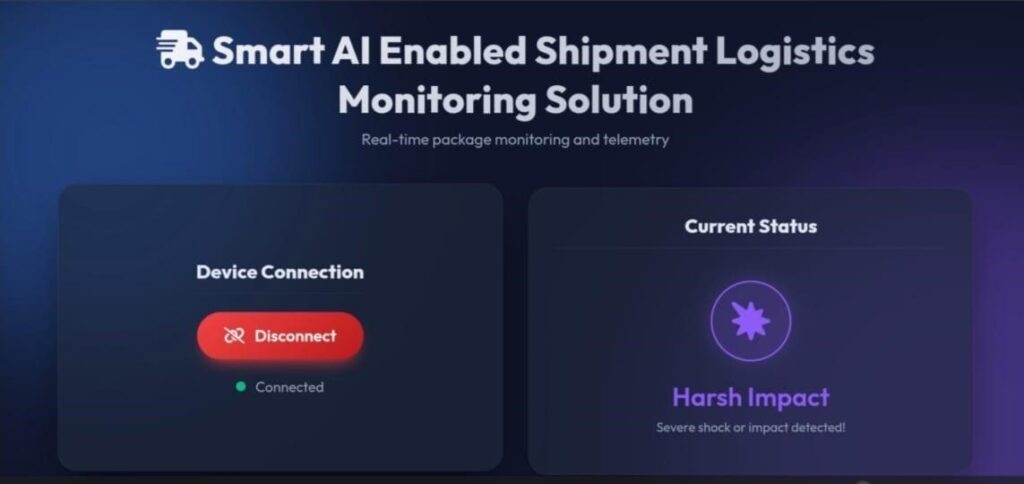
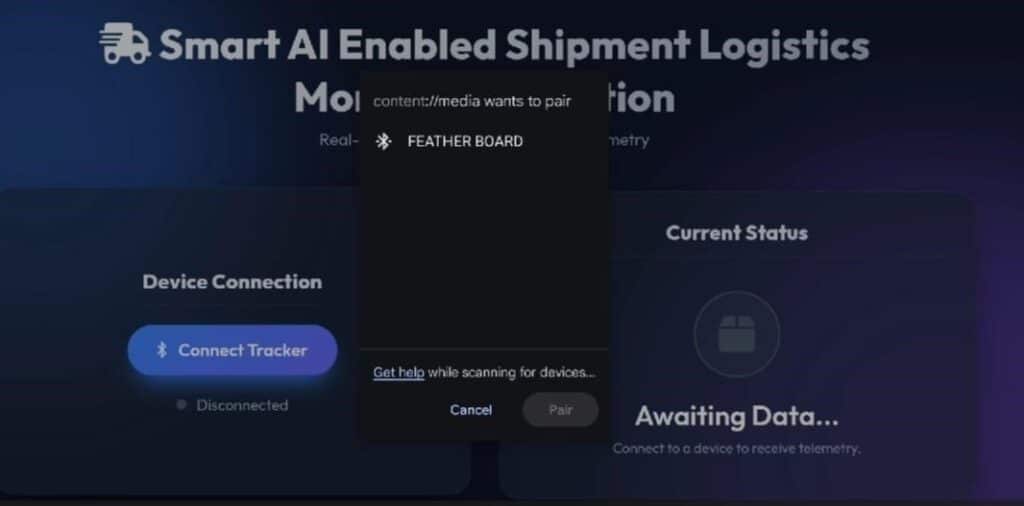
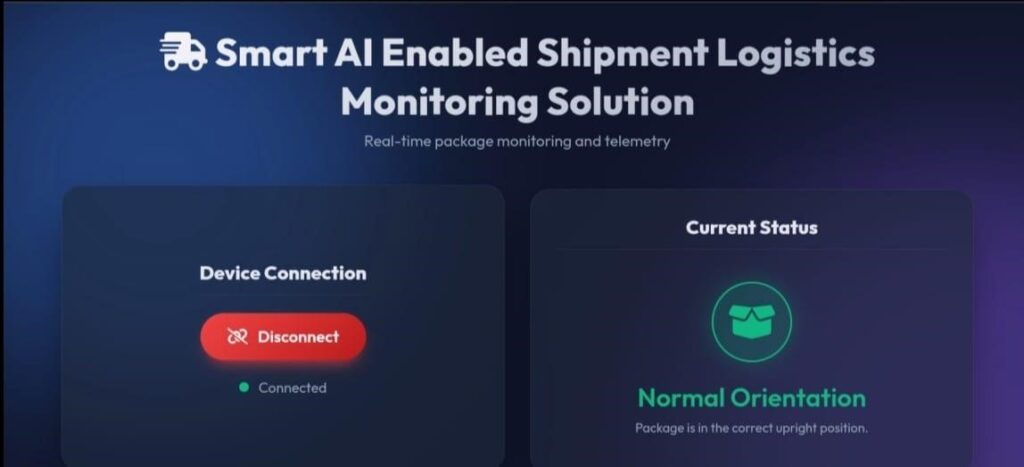
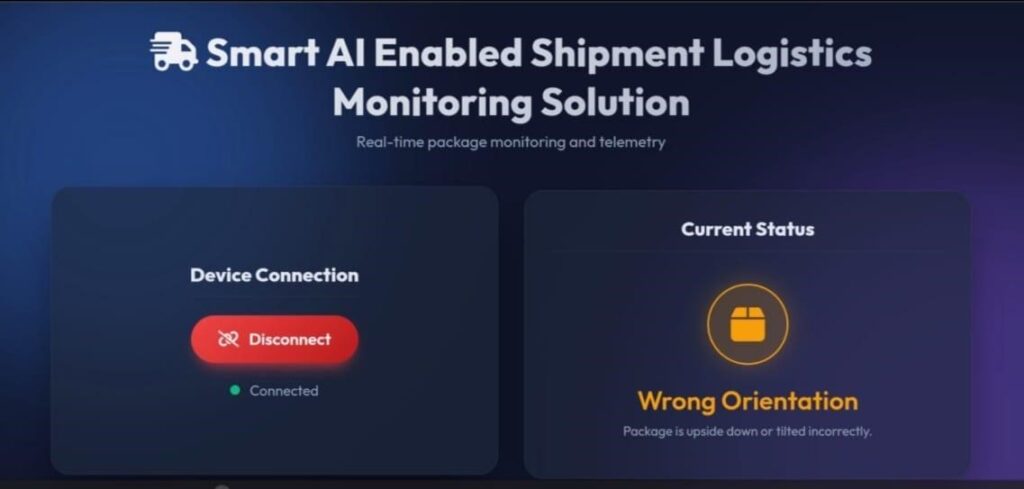
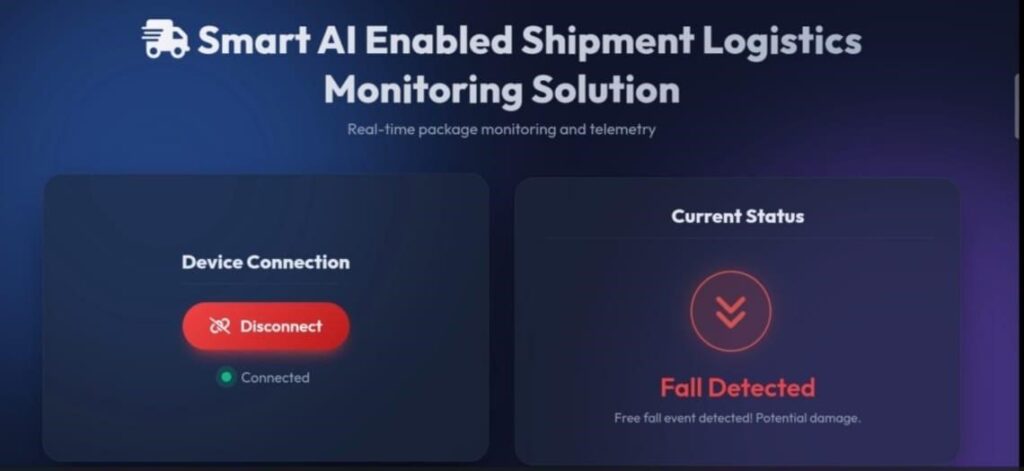
The custom mobile application communicates with the embedded device through Bluetooth using the PAN1326B module. It receives the ML results and displays the shipment status as Normal, Wrong, Fall, or Harsh for monitoring.
Connection Explanation
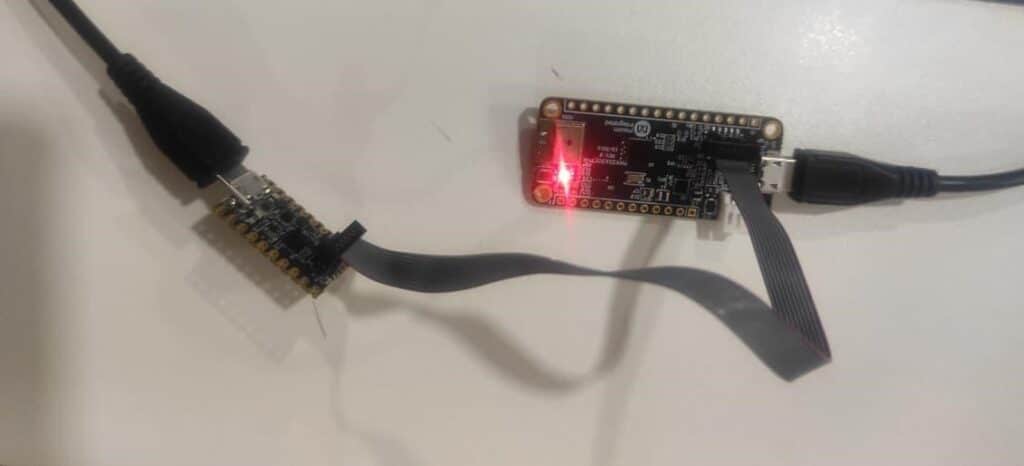
The MCU/target board is connected to the PC, while the debugger is connected to the MCU board through the 10-pin SWD connector. The PC communicates with the debugger, which is used to flash/program and debug the MCU.
Testing
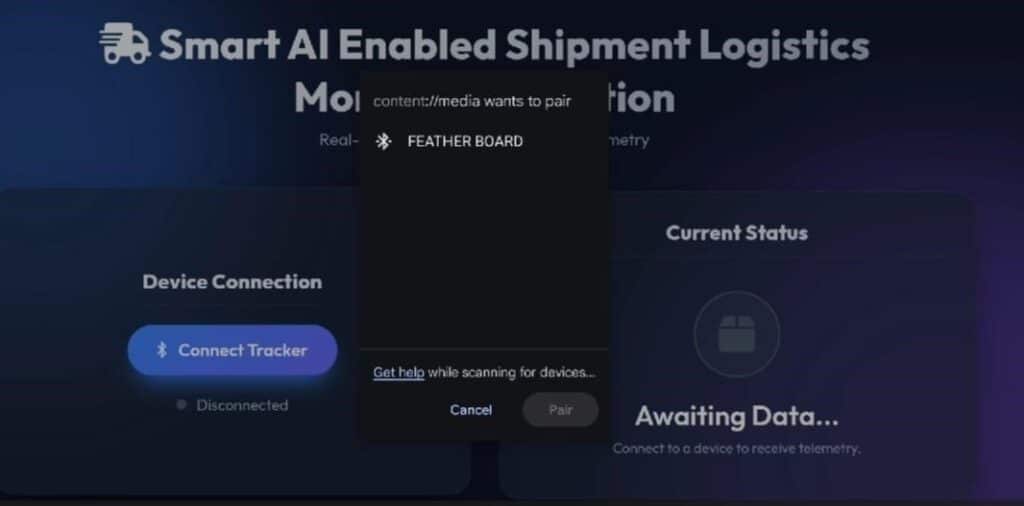
When power is supplied to the board, the device starts Bluetooth advertising with the name “FEATHER BOARD.” The user can connect the mobile application to the FEATHER BOARD through Bluetooth. Once the connection is established, the application receives the ML classification results from the board and displays the shipment status according to the position and movement of the shipment, such as Normal, Wrong, Fall, or Harsh.
Pairing:
Normal:
Wrong:
Fall:
Harsh: