


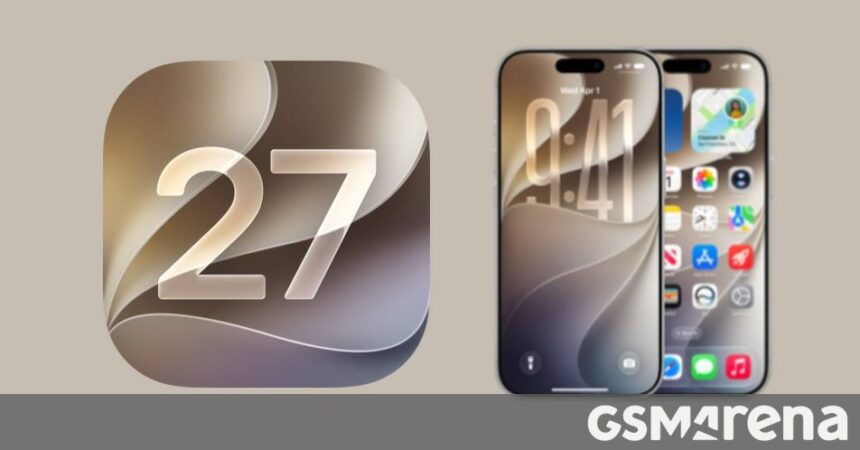
Apple announced iOS 27 at its annual WWDC with a load of new features. However, the developers are still putting the finishing touches on it and iOS 27 beta 2 brings several new features.
One of them is Write with Siri, which will replace the standalone Writing Tools. A shortcut for Write with Siri will appear on your keyboard – it can not only write text based on your instructions, it can also proofread and rewrite text.
A key improvement over the old Writing Tools is that this is fully integrated with Siri – this means that it can use info from messages, email and other documents that Siri AI has access to.
iOS 27 beta 2 introduces Write with Siri
Here’s something else new that you may notice if you are running iOS 27 beta 2 – Messages has better RCS support. It can now display tapback/reaction emojis properly and it handles inline replies.
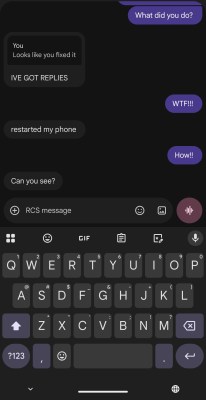
An Android user getting inline replies from an iOS 27 beta 2 user (image source)
Apple Wallet has a new Spending Insights screen with beta 2. This is a day-by-day (or monthly or yearly) breakdown of your spending. Well, this was actually added with beta 1, but beta 2 makes it available to new regions.
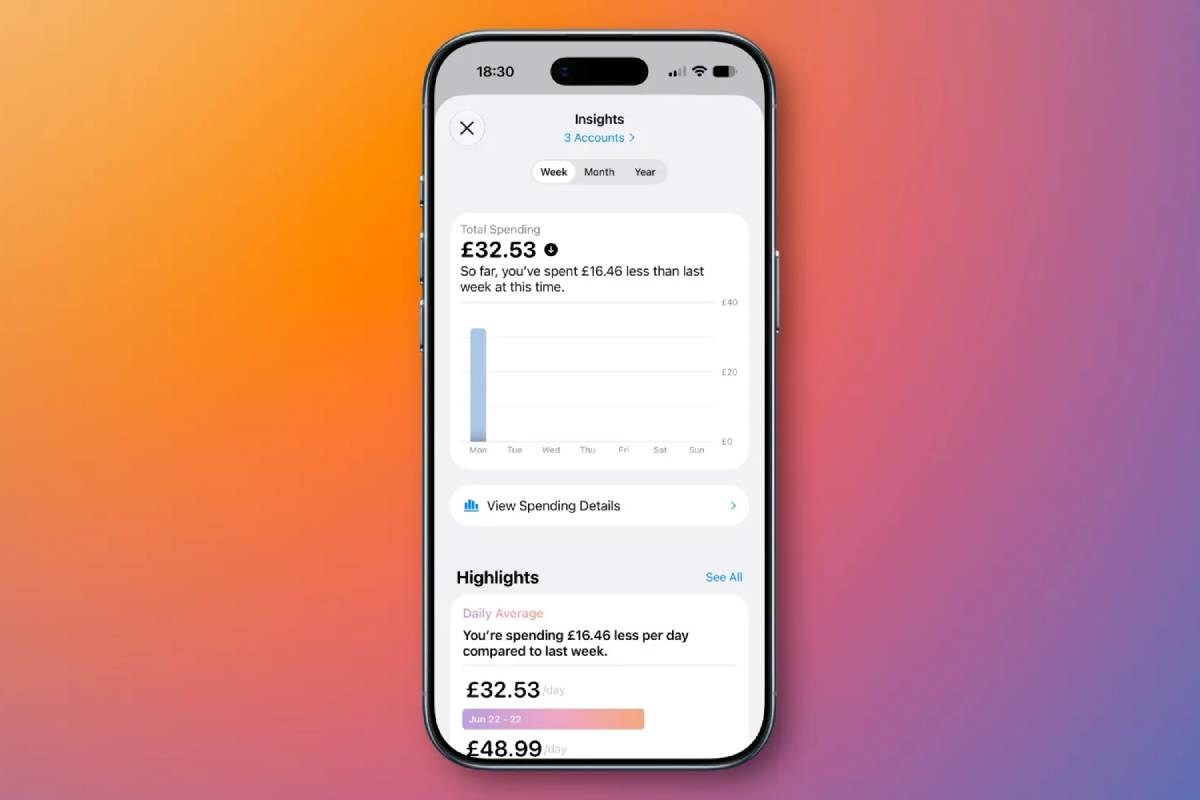
Apple Wallet’s new Spending Insights screen
There are additional changes too, e.g. the iOS 27 beta 2 can update the firmware on AirPods Max 2, which was broken with beta 1 (that’s what betas are for, to catch bugs). Similarly, the Apple Home app can update the Apple TV 4K remotely.
Note that the current iOS 27 betas are intended for developers and are not suitable as daily drivers. Open betas will come later on and we expect to see the stable release in September alongside the new iPhone 18 Pro models.